

Is Your Website Fast Enough?
You have a website, but is it fast? And how do you even know?
In this quick guide, we will show you how to check your website speed and what to do if it is slow.
Go to gtmetrix.com and enter your website URL. This is one of the tools we regularly use to test client websites.
Check your score. If your site scores below an “A”, it likely needs improvement.
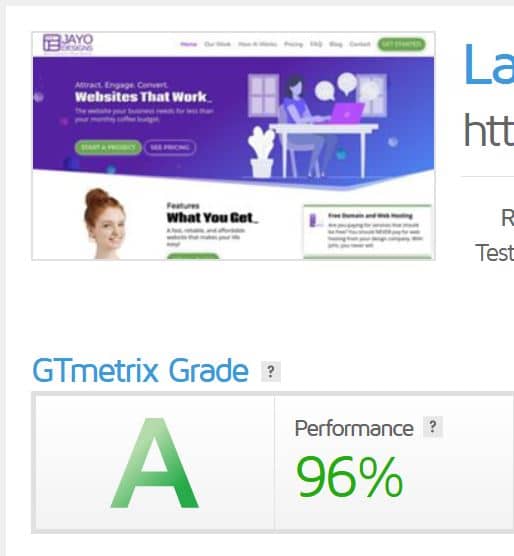
Visitors expect your website to load in under 2 seconds. If it does not, they leave.
Every time someone lands on your website, a countdown starts. If your site is slow, they bounce and go straight to your competitors.

The solution depends on how your website was built.
If a developer built it: Contact them and ask why your site is slow. They should be able to fix it or explain what needs to change.
If you built it yourself: Focus on the basics that impact speed the most.
Keep everything updated: Plugins and themes should always be up to date.
Optimize your images: Large photos slow your site down. Resize and compress before uploading.
Use lazy loading: Load images only when needed to improve speed.
Key takeaway: Every website can be improved. Faster load speed means more visitors stay and more conversions happen.
If your website feels slow, do not stress. It is fixable with the right approach or the right team.
If you have questions or want help improving your site speed, reach out anytime.
All the best,
JaYo